Project 5 of 5 · An image classifier made usable through the web
CarsIdentifier — Vehicle Recognition System
A Flask web demo that accepts a vehicle image and returns the label predicted by a ResNet-50-based classifier over the repository's 196-label vehicle list.
View public repository ↗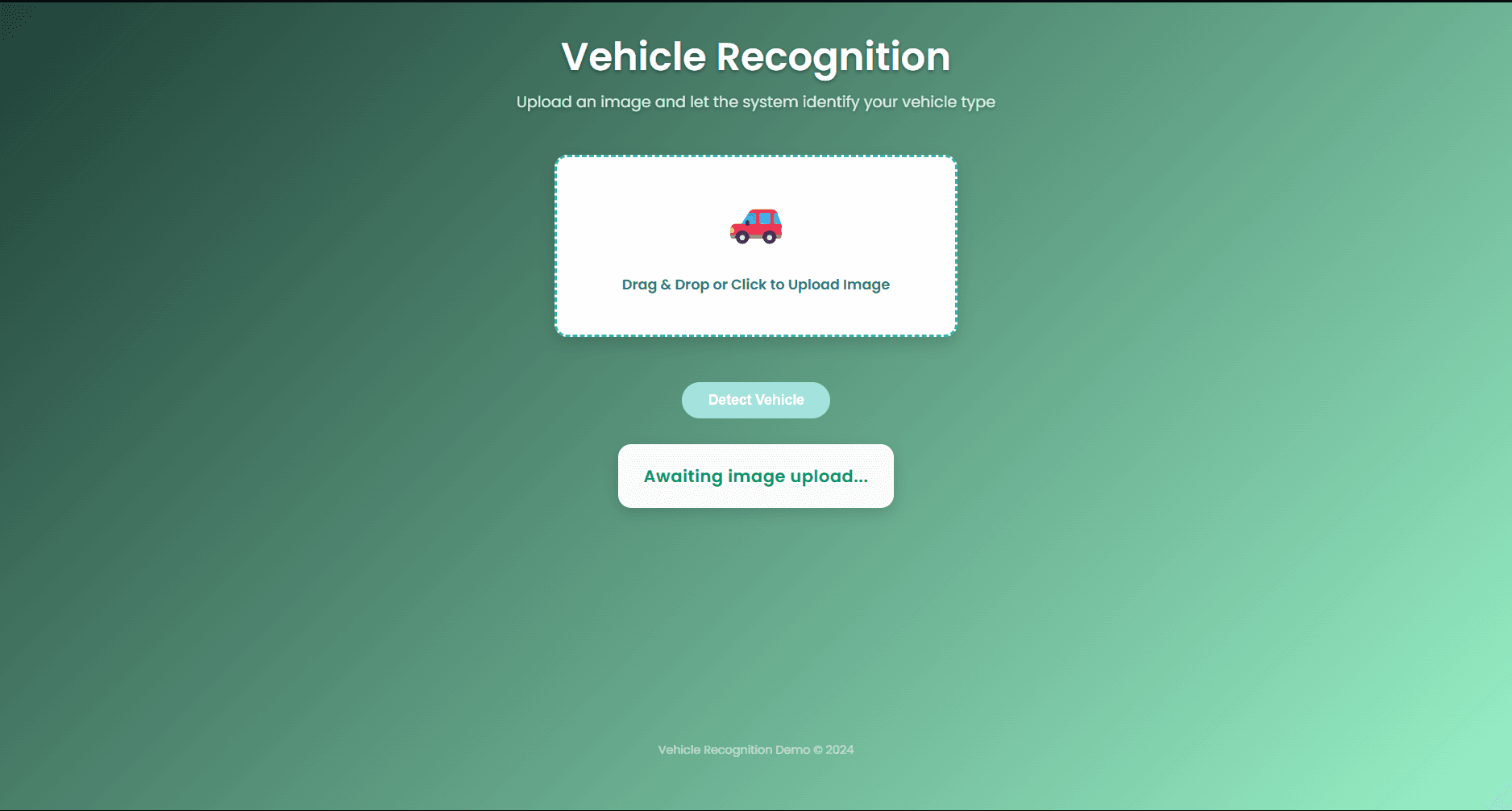
Upload → preprocess → classify → display known label
Problem understanding
A trained image classifier is difficult for non-technical users to evaluate without a simple way to submit an image and understand the returned label.
Intended users
Learners and developers exploring vehicle-image classification through a small web interface.
Why it mattered
Connecting inference to a visible interaction makes model behavior and limitations easier to inspect than a notebook-only demonstration.
My responsibilities
- Built the Flask application and prediction endpoint.
- Connected the ResNet-50-based model to a public 196-label mapping.
- Implemented image preprocessing and CPU inference.
- Created the drag-and-drop upload, preview, loading, and result interface.
- Documented the fixed-class limitation in the repository.
Components I contributed
- Model loading and preprocessing
- Flask inference endpoint
- 196-label output mapping
- Accessible upload interaction
- Temporary-file cleanup after inference
Research & investigation
The project explored transfer-learning architecture integration and the practical steps needed to serve image classification through a lightweight Python web application.
Technical approach
The browser sends an uploaded image to Flask. The server resizes and normalizes it, runs the ResNet-50-based classifier, maps the highest-scoring output to one of 196 labels, and returns the label to the interface.
Decisions & trade-offs
Flask kept the serving layer small and understandable. Returning only the top label simplified the demo, but it also hides uncertainty and cannot reject an image outside the known label set.
Challenge & problem-solving
The model must use the same preprocessing and label order as training. The implementation centralizes both, while the interface validates that the selected file is an image.
Testing & validation
The repository provides a manual upload flow but no automated test suite, held-out evaluation, confusion matrix, or accuracy report. The case study therefore makes no performance claim.
Outcome
The project demonstrates the complete path from browser upload to model inference and a readable result, while explicitly limiting the claim to known labels.
Privacy, security & ethics
Uploaded images are processed for inference and removed from temporary storage in the demo. It is not suitable for surveillance, identity decisions, or safety-critical vehicle identification.
Learning
A usable ML demo needs transparent scope, careful input handling, and uncertainty communication—not just a model that returns a label.
Future improvements
Add confidence display and open-set rejection, document dataset provenance and evaluation, sanitize filenames, avoid debug mode, and add automated API and interface tests.